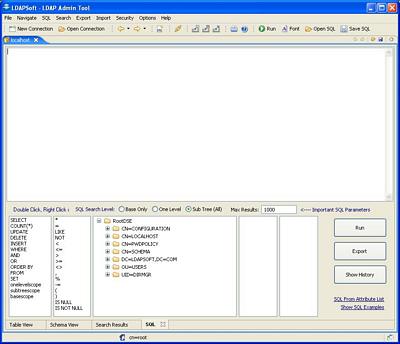
LDAP Admin Tool provides tools for working with LDAP-SQL queries: SQL Editor for editing the query text directly and drag and drop visual query builder for building queries visually.
To create a new query in LDAP - SQL Editor:
|
Select the SQL | SQL main menu item or select the SQL from the toolbar |
|
Build the sql by dragging and dropping the keywords, operators and the query parameters from the bottom pane |
This how the sql editor looks like when you first open it.
Opening Queries
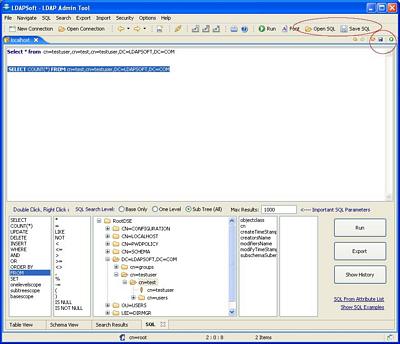
Queries can be opened either in SQL Editor or from the tool bar
To open a query in SQL Editor
 on the top right hand of the
tabs
on the top right hand of the
tabsor
 Open Sql from the sql tool
bar.
Open Sql from the sql tool
bar.
Executing Queries
To execute a query:
Highlight the query to run or it will try to run whatever you typed in the editor
Then
 on the top right hand of the
tabs
on the top right hand of the
tabsor
 Run from the sql tool bar
or
Run Sql from the popup menu.
View and edit the returned data in the SQL Results tab
Saving Queries
To save a query:
 on the top right hand of the
tabs
on the top right hand of the
tabsor
 Save SQL from the sql tool bar
or
Related links

|
LDAP Admin Tool Home Page |